
The secure terminal built for SSH connections.
Squiggle helps developers and infrastructure teams manage servers, credentials, files, tunnels, scripts and team access without jumping between tools.
Tabs, reconnect, themes
Dual-pane transfers
Keys and identities
Invites and roles
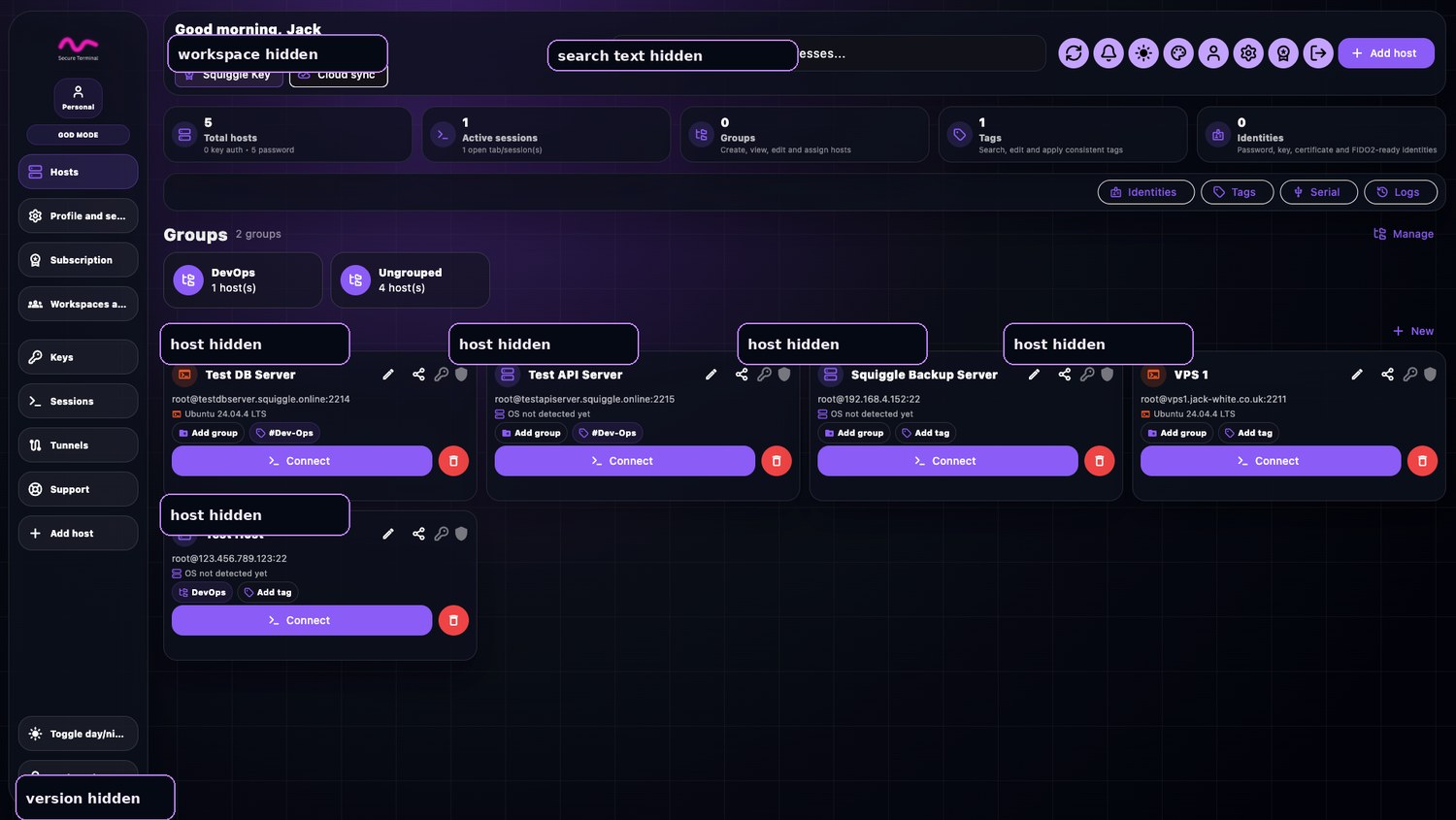
One workspace. Less switching.
Every function has a focused page, real screenshots and a direct path to sign up or open your account.
Secure terminal
Fast SSH sessions with tabs, reconnect, shortcuts, themes and quick commands.
SFTP file manager
Move files between local and remote panes with transfer history and clear actions.
Tunnel manager
Build database and service tunnels with templates, setup helpers and verification.
Vault and identities
Keep host credentials, keys, certificates and trusted identities in one controlled place.
Scripts
Create scripts, save runbooks and send commands into active sessions faster.
Teams
Invite members, manage roles and prepare shared workspaces for operators.
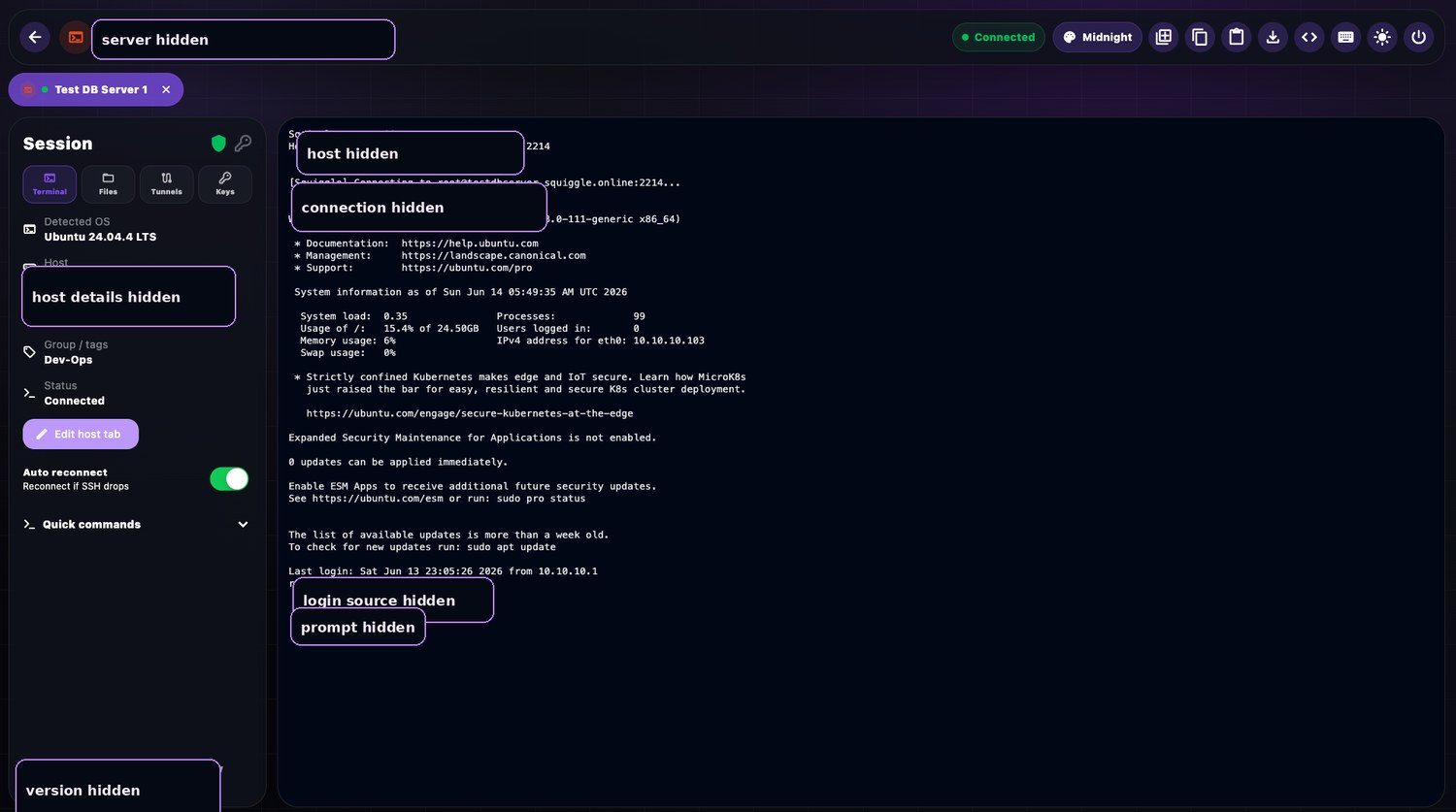
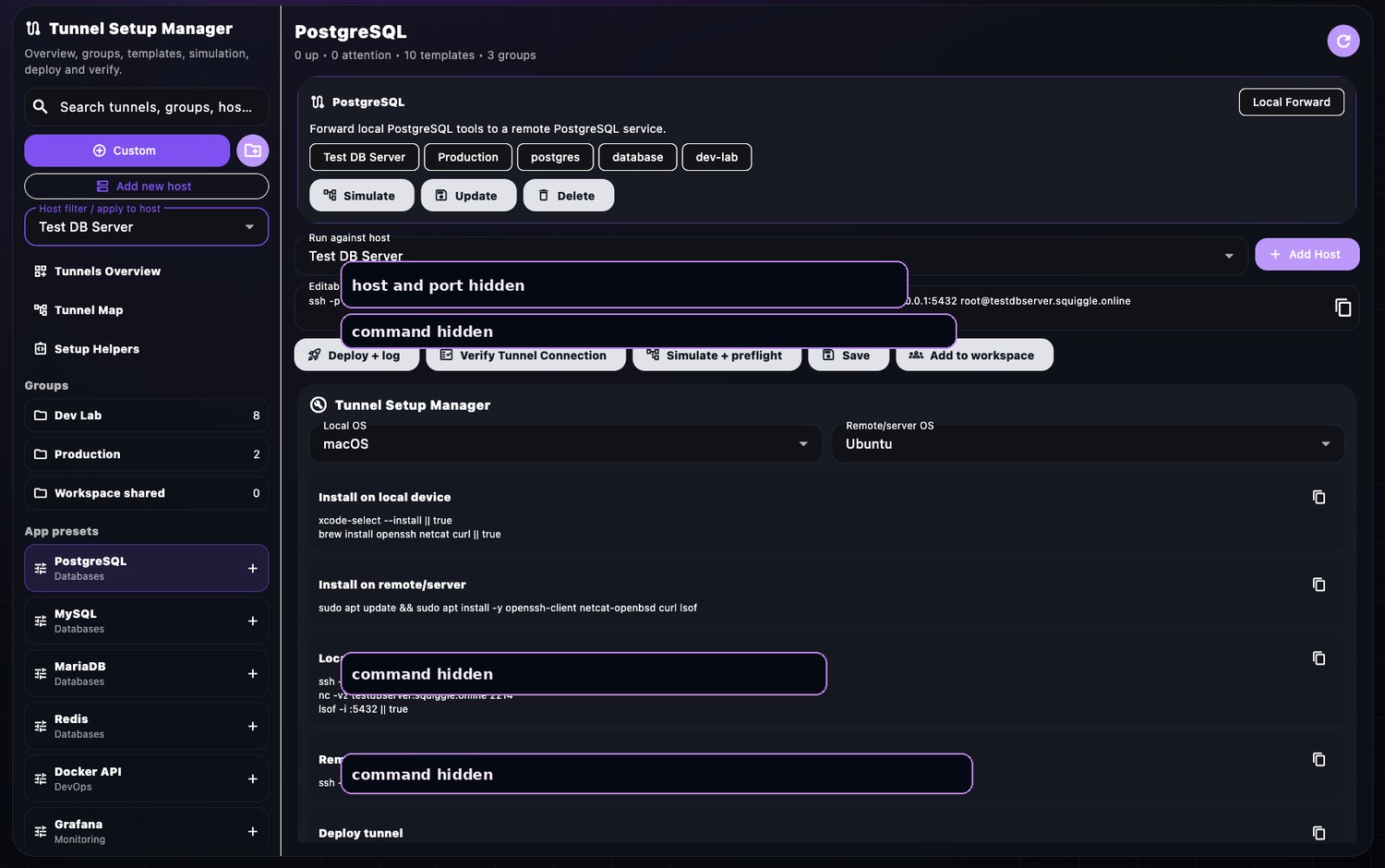
Real product visuals, cleaned for public pages.
Screenshots show the actual Squiggle interface. Sensitive hostnames, ports, IP addresses, usernames and emails are masked without hiding the design.
Account centre included.
Customers can manage profiles, plans, team invites, device information, support tickets and app preferences from the web. The portal uses clean frontend flows now and is structured ready to connect to the live Squiggle account system.