Squiggle feature
Secure Terminal
Open fast, encrypted SSH sessions with tabs, themes, auto reconnect, keyboard shortcuts and quick commands.
 Squiggle
Squiggle feature
Open fast, encrypted SSH sessions with tabs, themes, auto reconnect, keyboard shortcuts and quick commands.
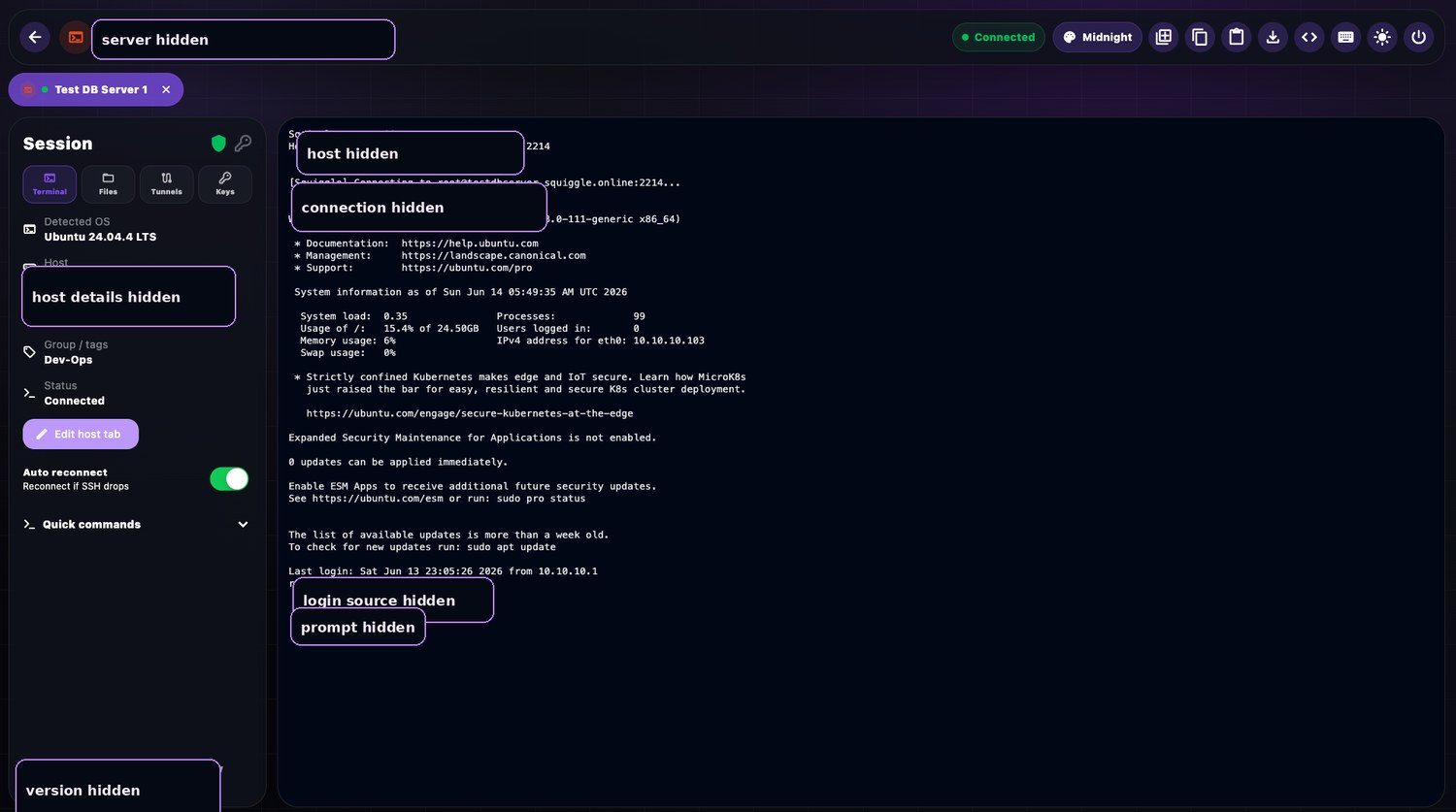
Product image is sanitised for web use. Sensitive host, email, IP and port details are hidden.
Use Squiggle when you need to jump between production, staging and client systems without rebuilding your session setup every time. It keeps everyday terminal work sharp: connect, recover, copy logs, paste commands safely and keep context across tabs.